Last posts
GuestPoints are a great way to travel when organizing a home exchange. They offer flexibility and freedom for members looking to organize non-reciprocal home exchanges. In this tutorial we'll take you through a step-by-step guide on how you can easily obtain welcome GuestPoints just by signing up and completing your listing.
Registration
Gives you 50 GuestPoints
First, go onto homeexchange.com. At the top right hand corner, click on the button "Join the community". If you are reading this tutorial, you have most likely made it to this step.
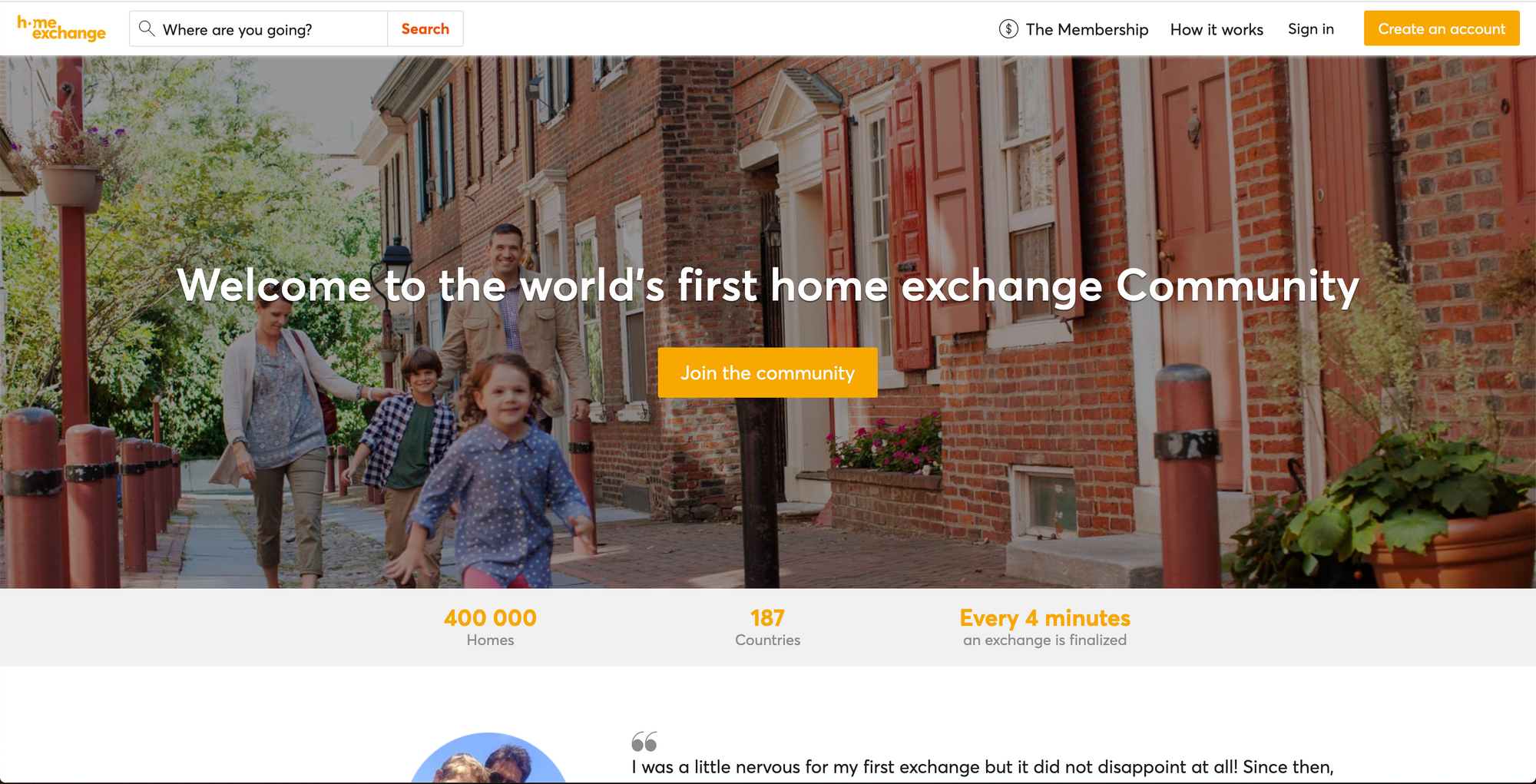
When signing up, you'll have two possibilities for creating an account - with your email address or with Facebook. Choose the one that suits you best.
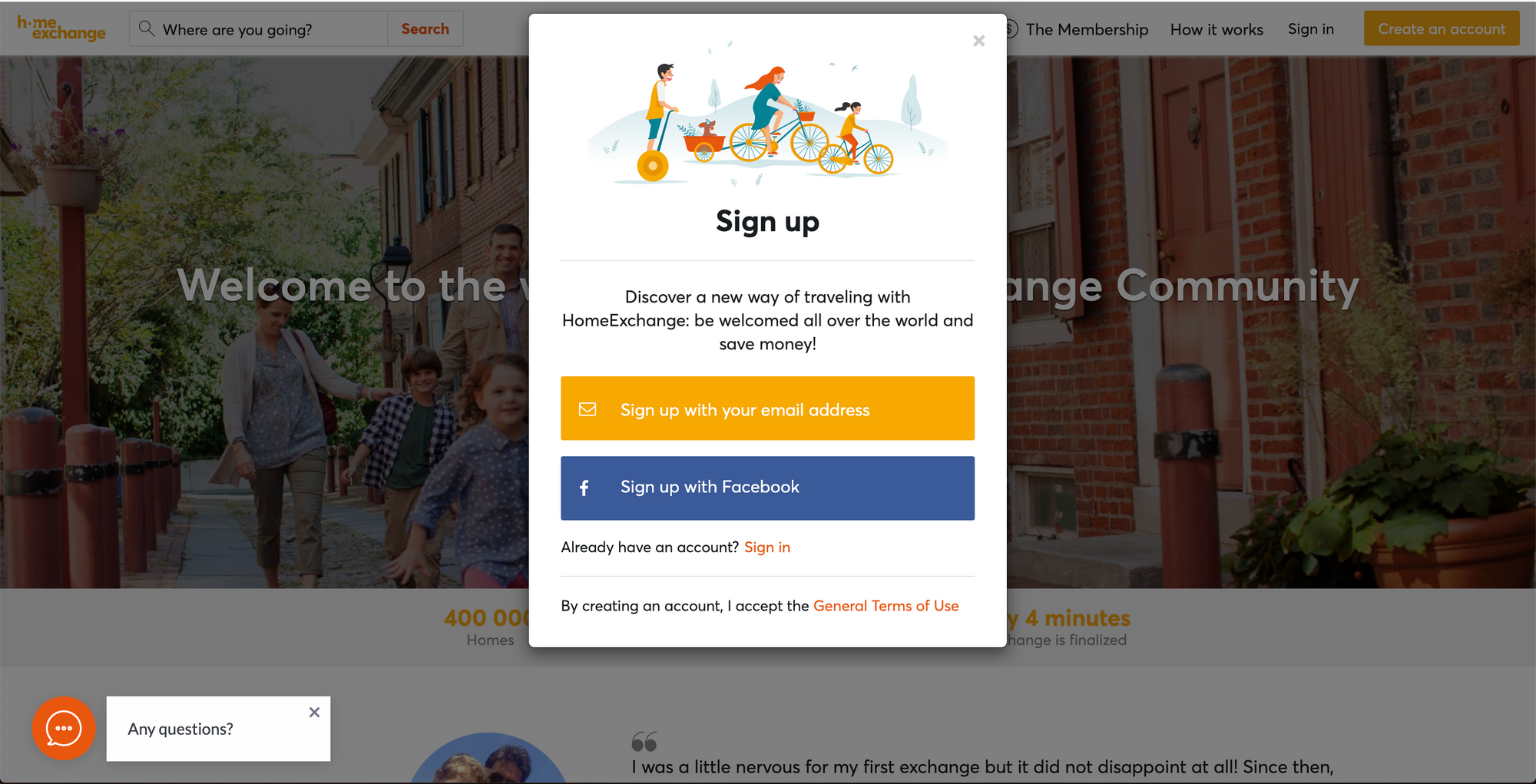
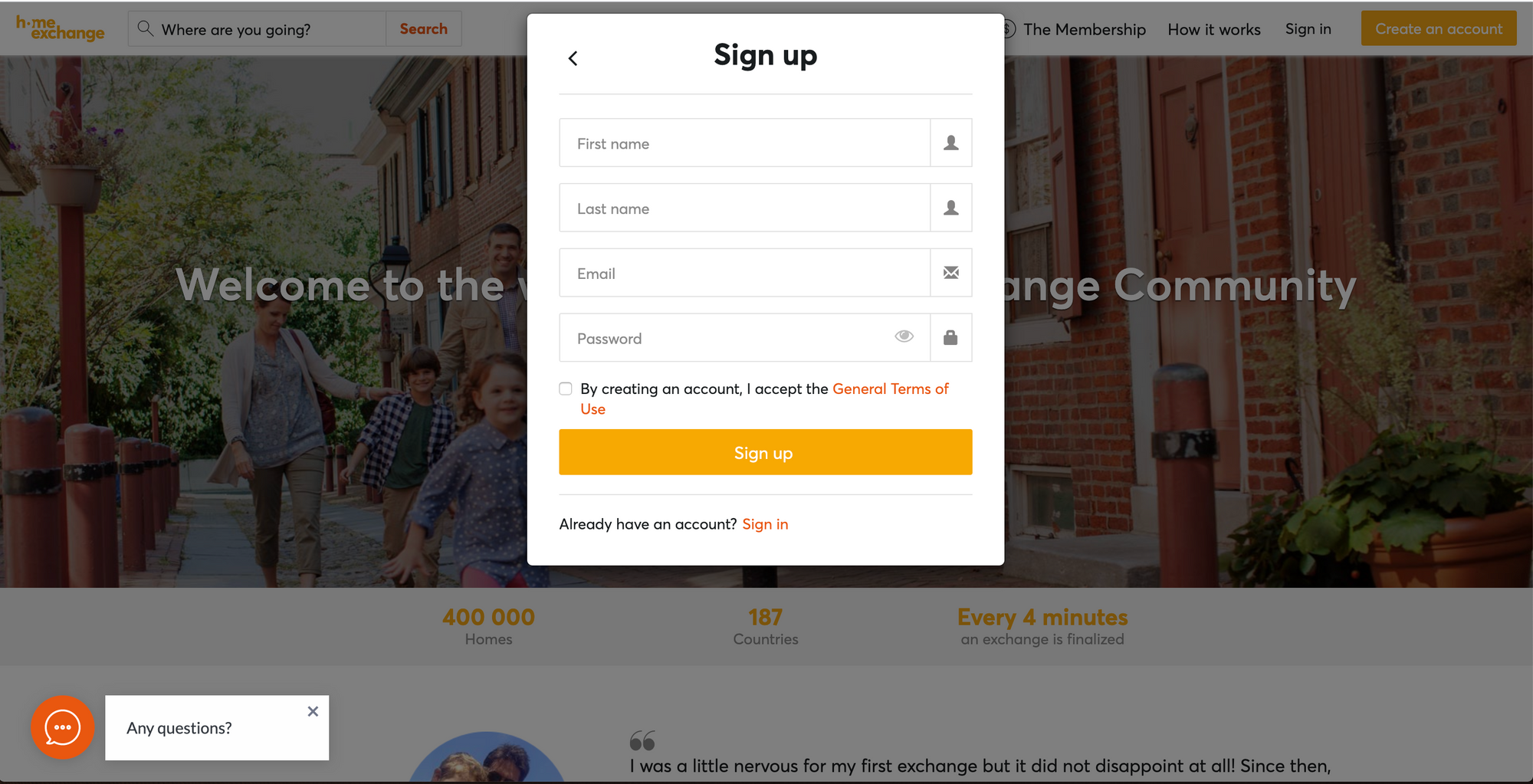
If you click on "Sign up with your email address", you will be asked to fill in your first name, last name, and email address (which you will use to sign in, receive emails from HomeExchange, etc...) and you will be asked to create your password.
Remember to accept our General Terms of Use before clicking on "Sign up" at the bottom.
And voilà! Just like that, you received your first 50 GuestPoints!
Complete your Home Profile
Gives you 750 GuestPoints
After clicking on sign up, you will be prompted to start building your home profile. The process is easy and our guide will help you easily complete your listing.
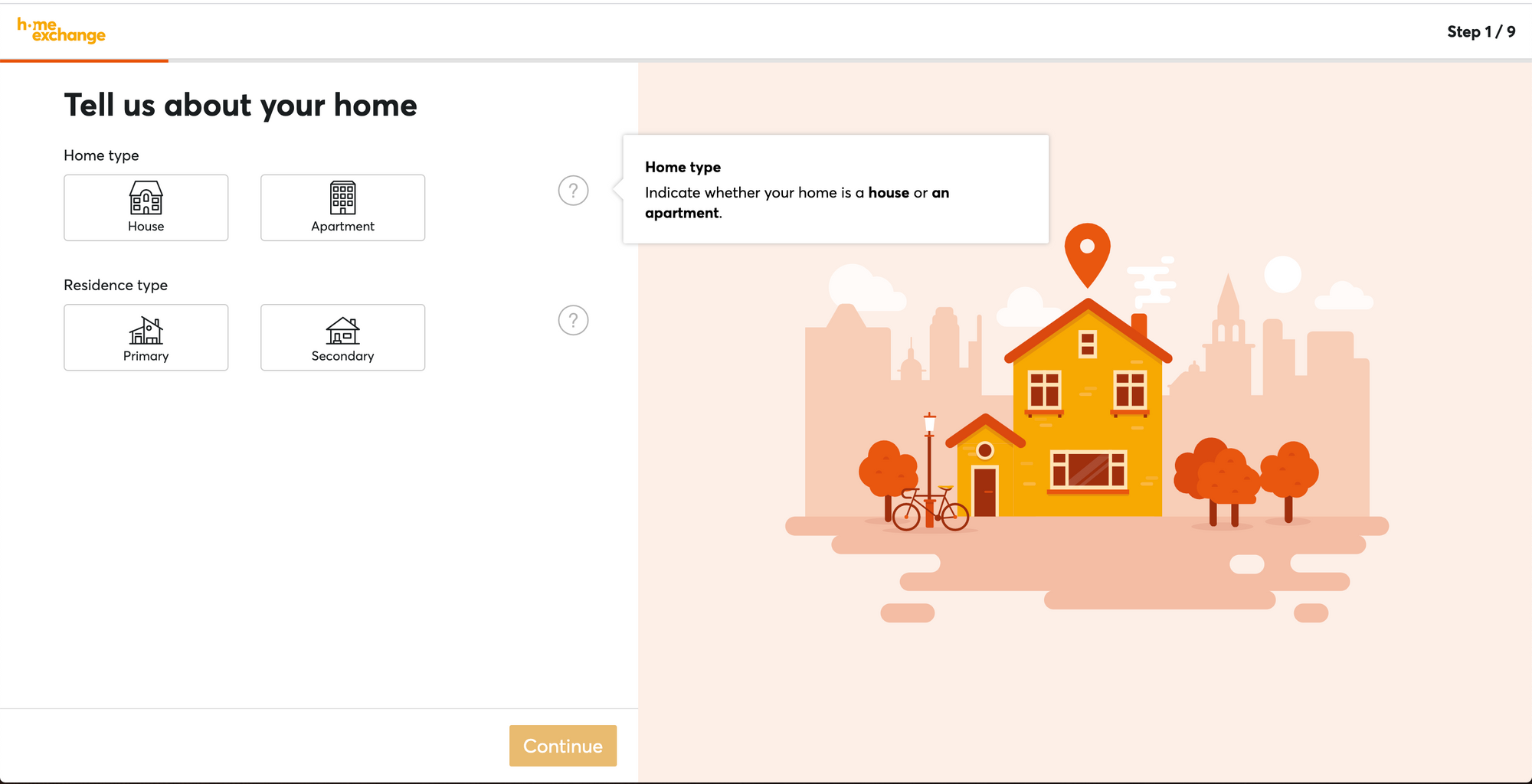
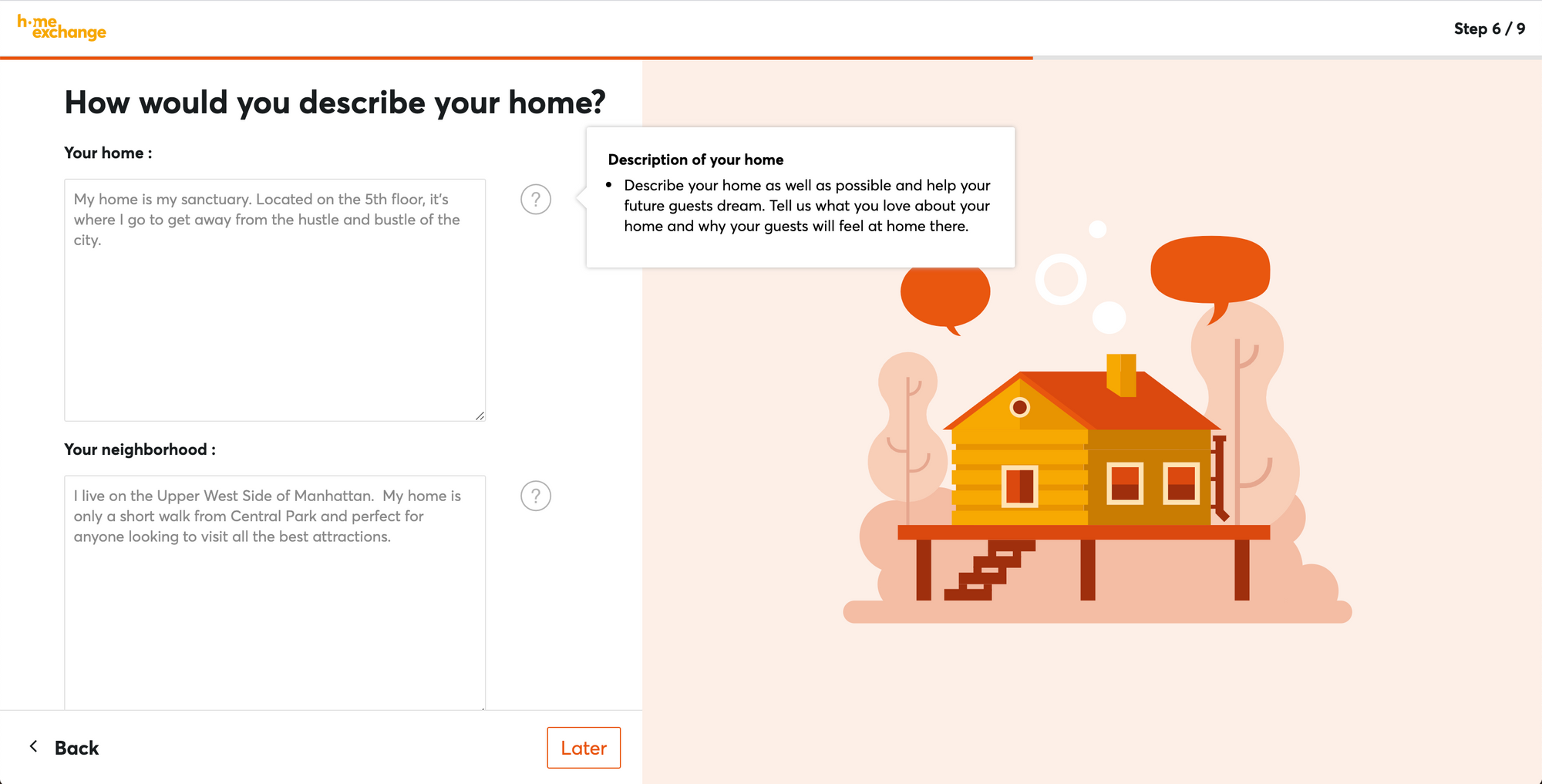
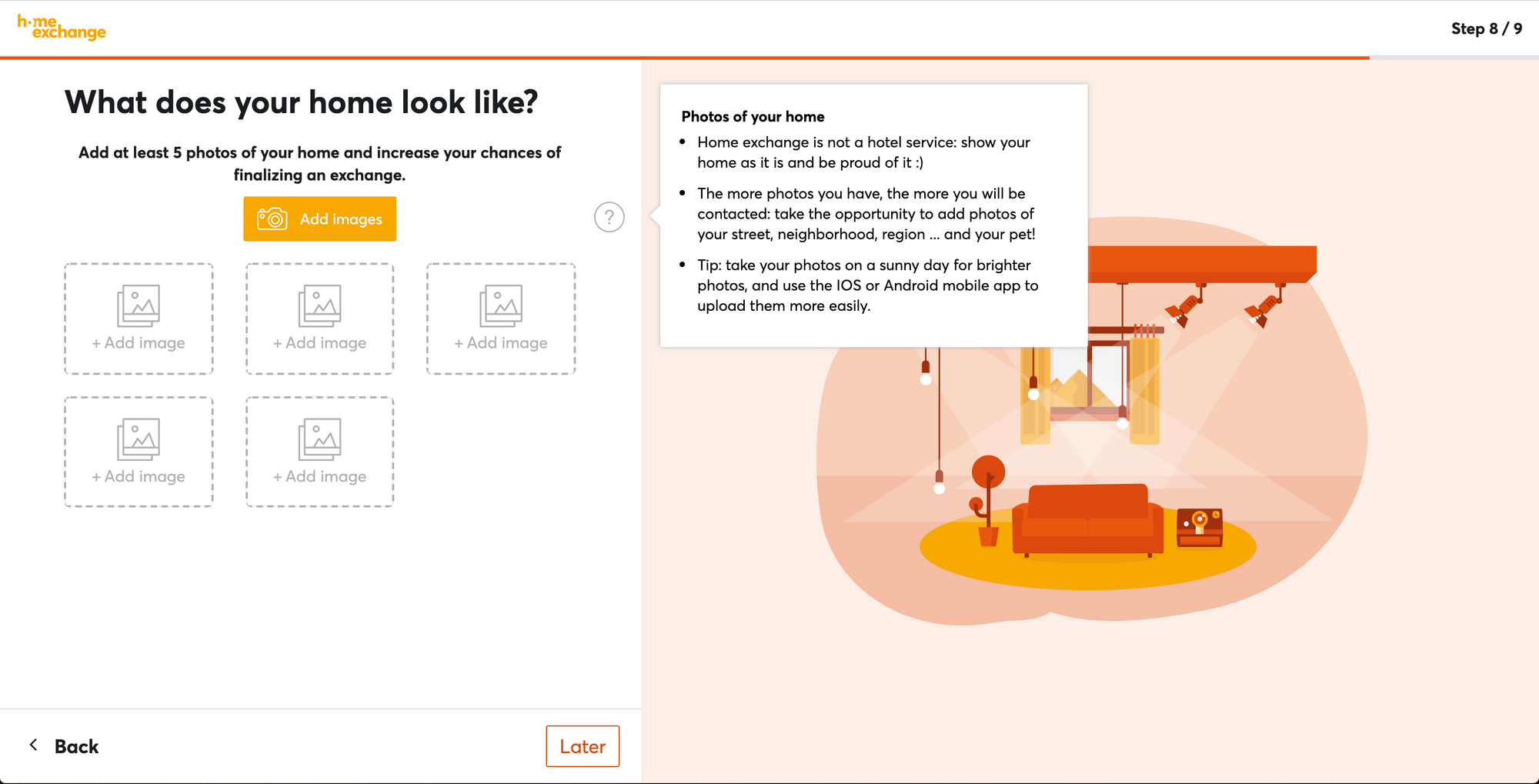
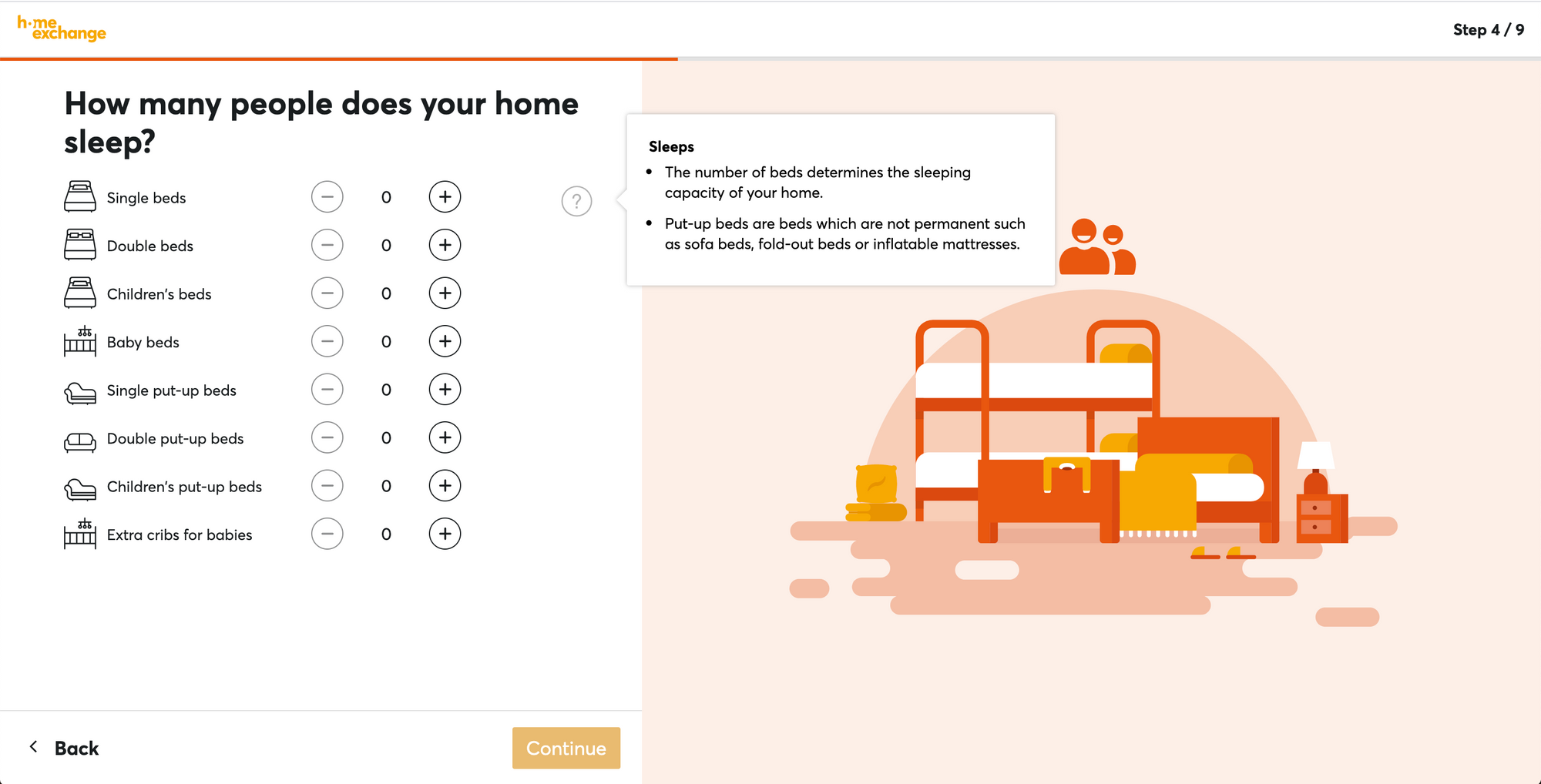
Follow the nine easy steps to complete your home listing
You will be asked for the following information in a step-by-step process:
- Your home type (house/apartment) and residence type (primary/secondary)
- Your address and location (Important: This is private information and will only be visible to members that finalize an exchange with you)
- The size of your home (in m² or ft² ) and the number of bathrooms and bedrooms
- The number of beds you have in your home
- What your home is equipped with (we have a list for you to select from)
- A description of your home and your neighborhood
- The availability of your home (See the calendar)
- At least 5 pictures of your home - here are some tips on how to take beautiful photos
Complete your Personal Profile
You won't get any welcome GuestPoints with this step, but it's necessary if you want members to consider hosting you!
When you are finished creating your home listing, you will be asked to fill in some personal details. Our community wants to meet you!
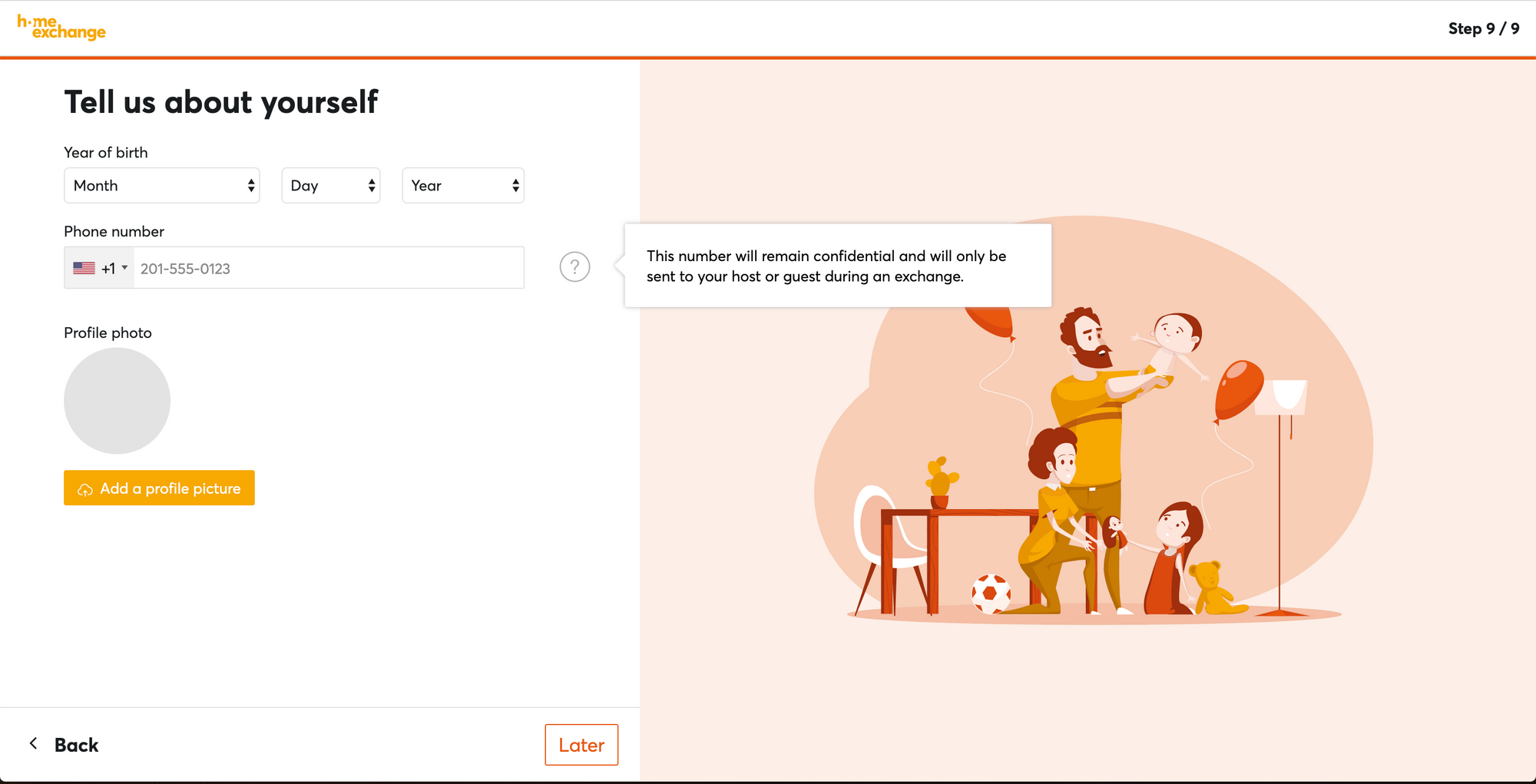
Just let us know:
- Your gender
- Your birthday
- Your phone number (psst! If you click on the greyed area with the American flag, you can change the country code)
And add your profile picture! This not only helps us put a face to a name, it also makes you appear more approachable to other members and increase your chances of finding an exchange ;-)
Here's how to edit your profile to get it to 100%:
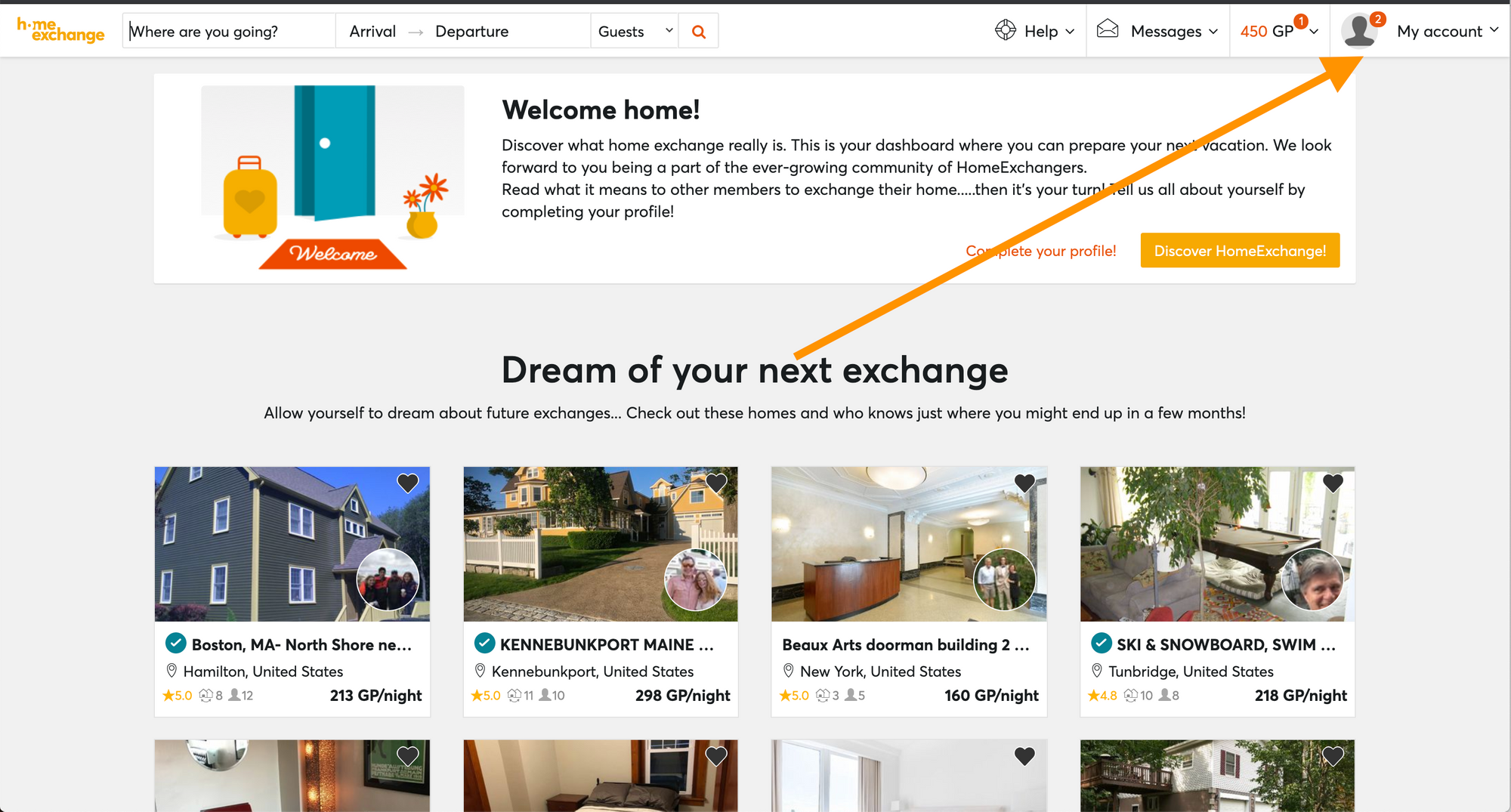
- Click on "My account" at the top right hand corner
OR
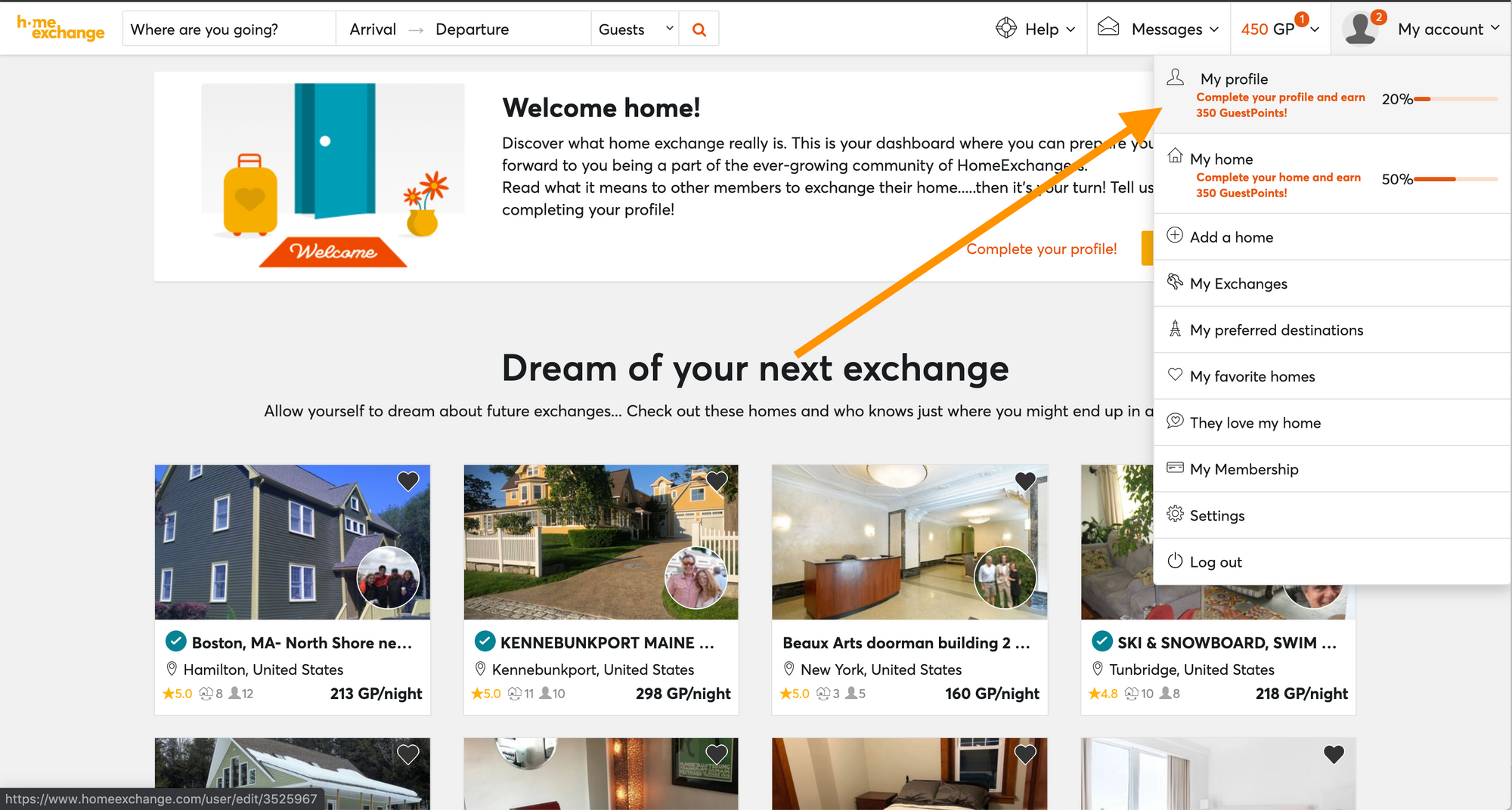
Hover your mouse over "My account" at the top right hand corner of the screen and from the dropdown menu, click on "My profile"
2. Verify your email and phone number
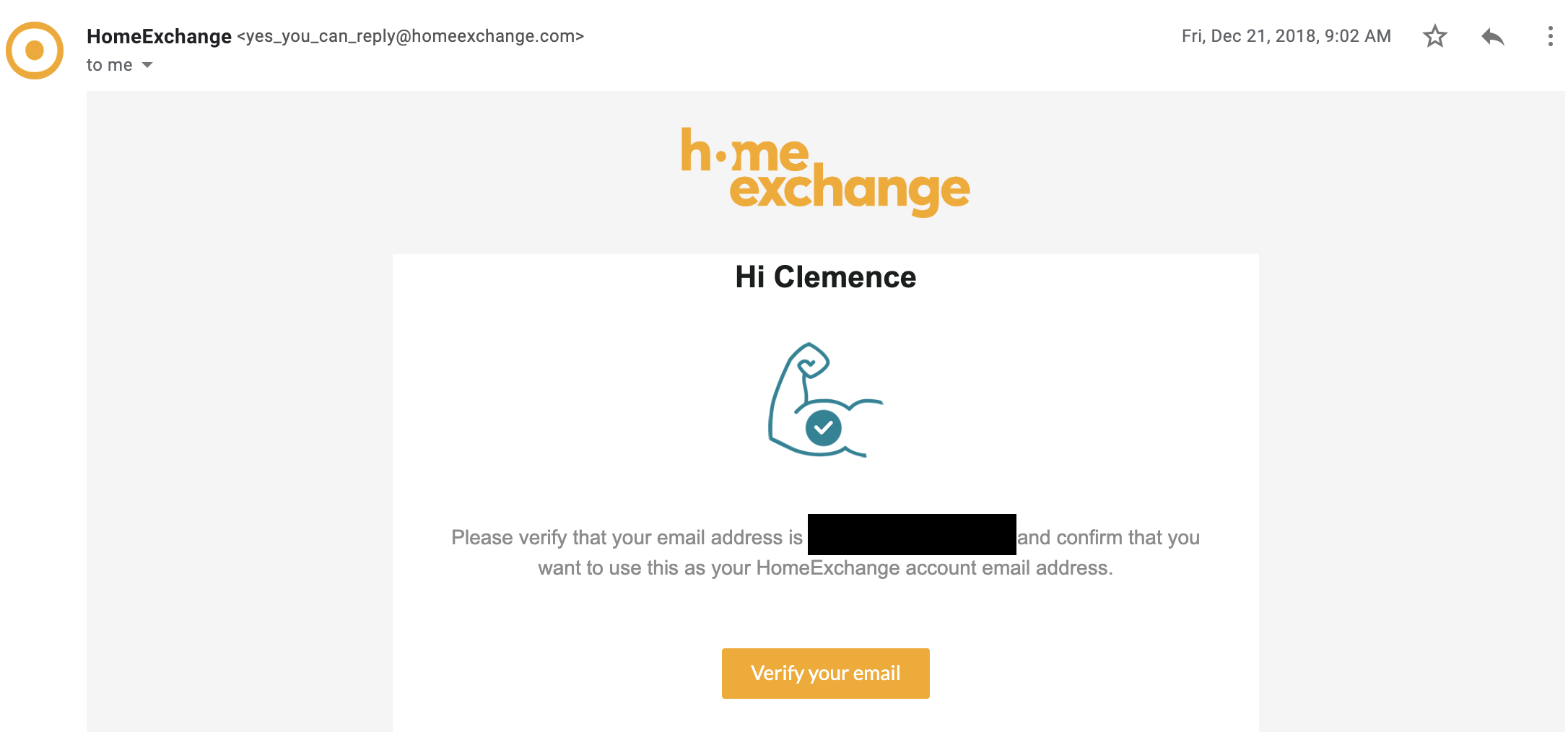
To verify your email, just click on the "Verify your email" button in the confirmation email that is automatically sent to your email address.
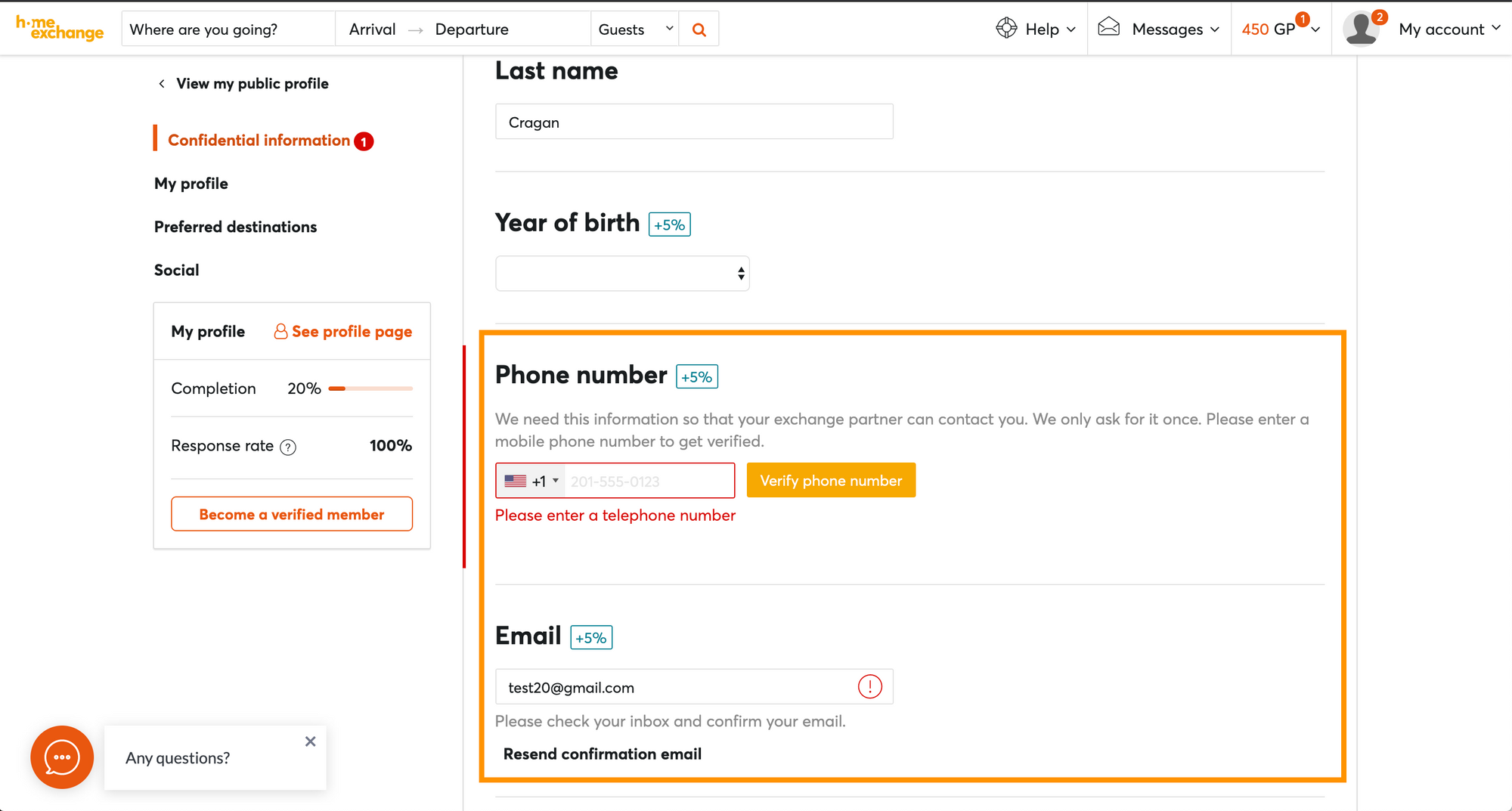
To verify your phone number, just enter the code that is sent by SMS to your phone number. If it is a landline that is registered to your account, don't worry! Just be in contact with us and we can drop you a call and verify your number manually on our end.
3. Add the "Description"
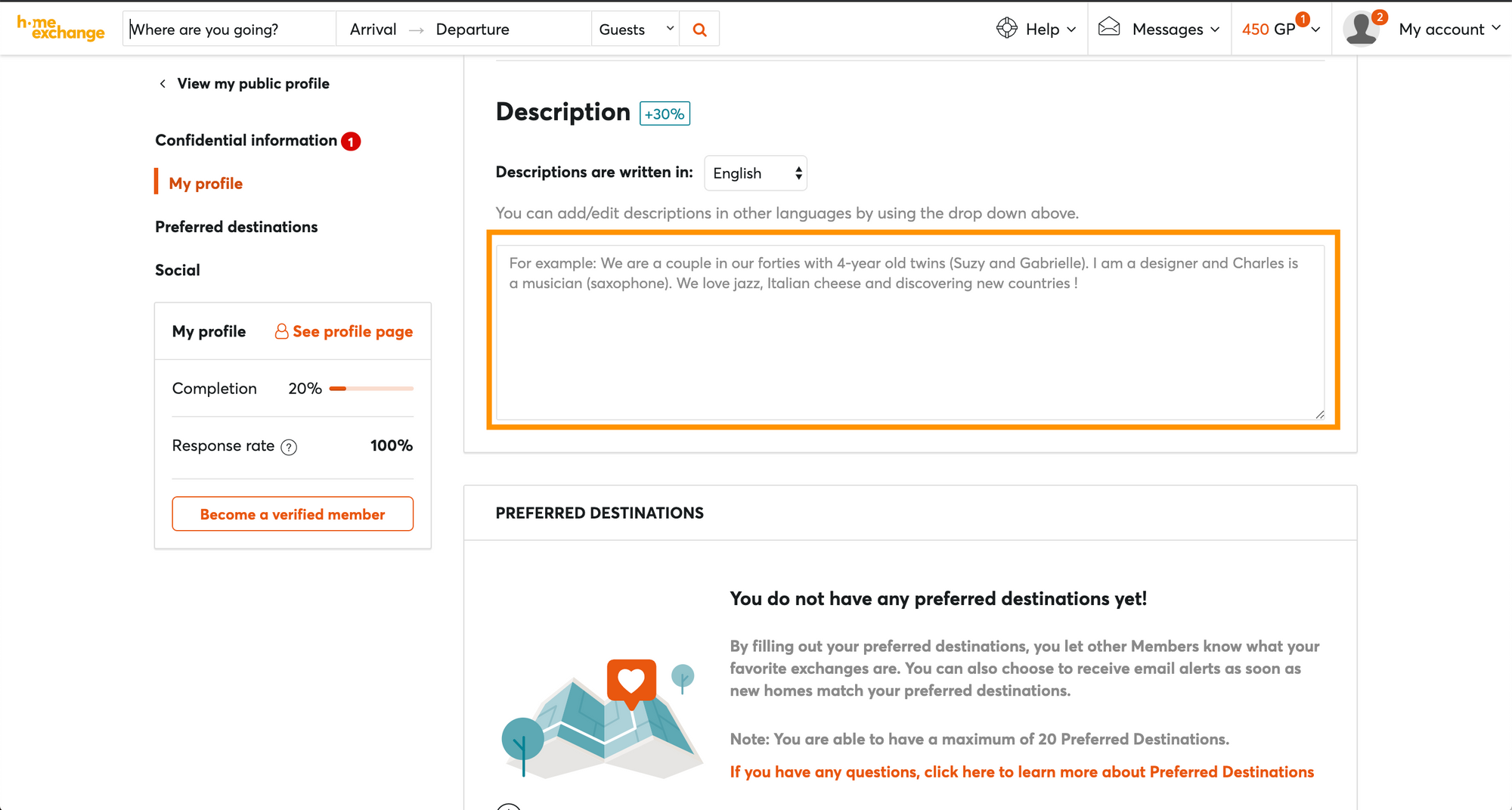
This is the perfect chance for you to let other members know what kind of person you are and could create a conversational topic for you and your host/guest! Please note that this has to be at least 150 characters long.
And just like that, 800 GuestPoints are all yours!
Want to obtain even more GuestPoints for your first exchange? Here are our top tips!
Bon voyage!
Last posts